Drop a song to read its tempo in BPM, with the classical tempo term and the key. No file? Tap along or use the microphone. This tempo finder runs in your browser and uploads nothing.
Drop songs here to find their BPM and key
MP3, WAV, FLAC, M4A, AAC, OGG. Up to 50 files, 100 MB each.
Choose audio files
No file handy?
--BPM
Tap along to the beat. Four or more taps give a steady reading.
Play the music near your device and press start. The audio is analysed in this tab and never recorded or sent.
--BPM
Locked
Not listening yet.
Playing a song in another browser tab, such as YouTube, SoundCloud or a web player? Share that tab and tick “Share tab audio”. Nothing is downloaded or uploaded, the sound is analysed right here.
--BPM
Locked
Not sharing yet.
Tab audio needs desktop Chrome, Edge or another Chromium browser. On other browsers use Upload or Microphone.
Analysed on this device
Audio never uploaded
No account
--BPM
0
confidence
0:00 / 0:00
Results
Check the beat grid
0:00
-- BPM
Play the song with the click on. Clicks that land on the beat mean the BPM is right. If they feel twice as fast or half as fast, press ÷2 or ×2. Space plays and pauses.
Features
What this tempo finder reads from a song
One engine behind four ways to listen, with the result checked by ear instead of taken on trust.
Tempo in BPM and as a tempo term
Every reading from the tempo finder shows the BPM and the Italian term for that speed, such as Largo, Andante, Moderato, Allegro or Presto. A producer can use the number, and a student or conductor can use the word, without converting anything by hand.
Four ways to give it music
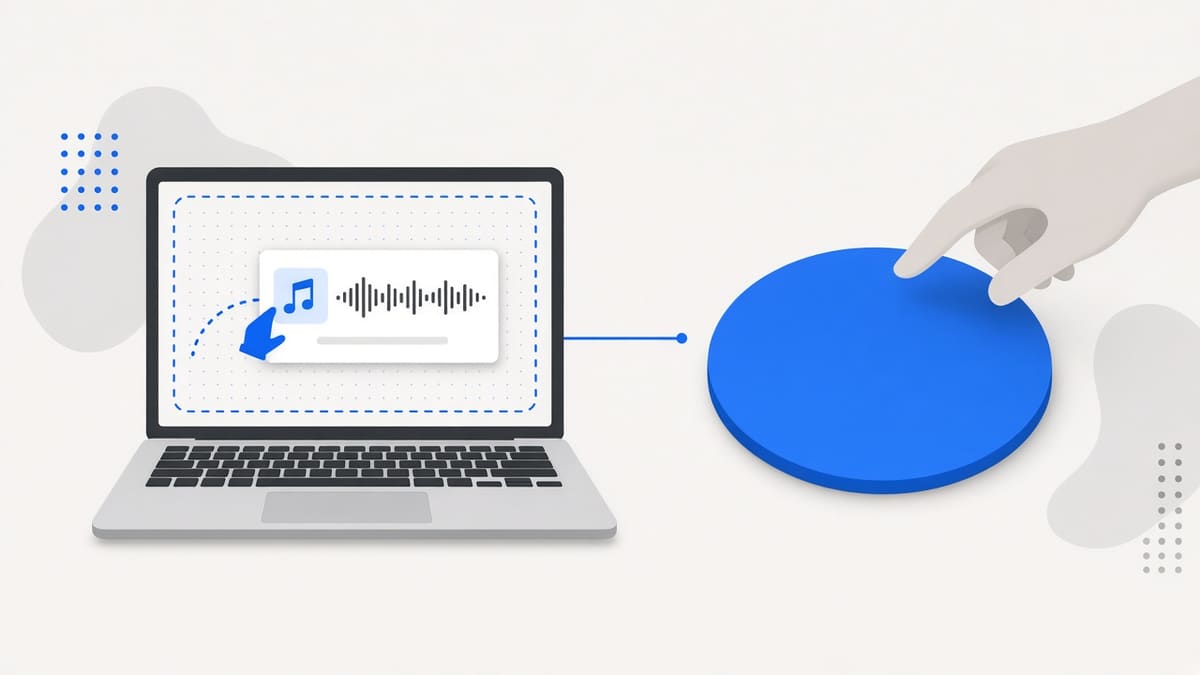
Upload one song or up to 50 files at once, tap along on a big pad, listen through the microphone, or share a tab with sound. All four modes feed the same engine, so the tempo finder treats a file, a room and a stream with identical logic.
A beat grid you can hear
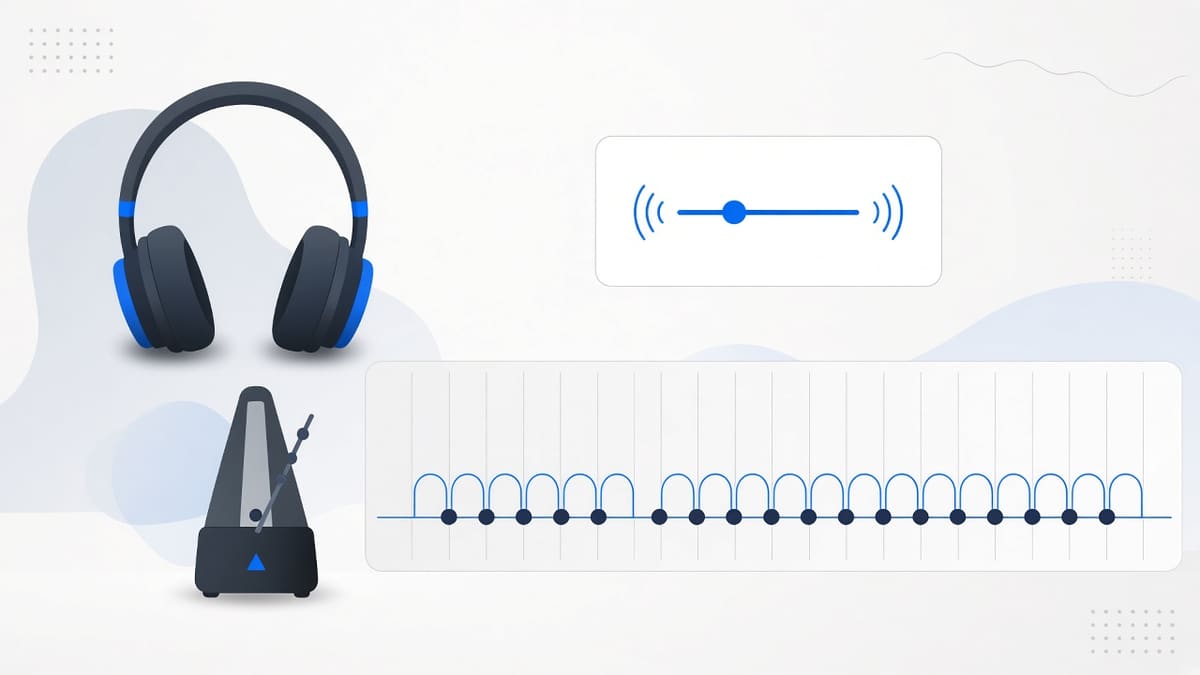
Press Check beat grid and the tempo finder plays your song with a click on every detected beat, drawn over the waveform. If the clicks land on the drums, the tempo is right. You can nudge it by 0.1 BPM or move beat one by 10 milliseconds.
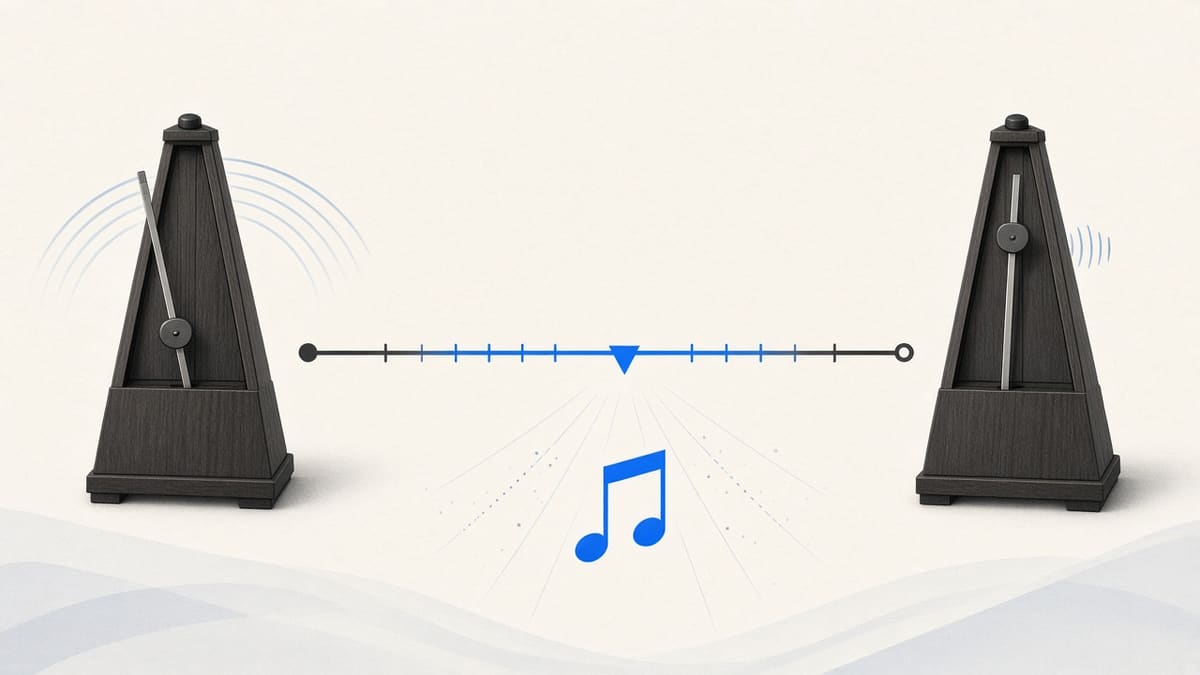
Half-time and double-time in one press
Tempo has a classic octave problem: 87 and 174 describe the same drum and bass groove. Each tempo finder result carries ÷2 and ×2 buttons, so you can match the way you count the song and the tempo term updates with the number immediately.
Key and Camelot code as a bonus
Beside the tempo, the tempo finder suggests a musical key such as A minor and the Camelot code 8A that DJs use for harmonic mixing. The key is a beta estimate that sits next to the tempo, so you can plan a transition without opening a second tool.
Private, free and without limits
The tempo finder analyses audio with your own processor. Files are never uploaded, microphone sound is not recorded, and there is no account, credit counter or daily cap. You can read a tempo, copy it or export a CSV, and then close the tab.
What it is
What is a tempo finder?
A tempo finder tells you how fast a piece of music moves. Tempo is the speed of the beat, and it is written as beats per minute, so 120 BPM means 120 beats every minute. This tempo finder works that number out inside your browser: it decodes the audio, looks for the repeating pulse of the drums and bass, and reports the tempo together with a confidence label.
The number is only half of the answer for many people, so the tempo finder also names the classical tempo term. A song at 100 BPM is Andante, a walking pace, while 140 BPM is Allegro, quick and lively. That is the language of sheet music, rehearsal rooms and music lessons, and it sits next to the BPM that producers and DJs use. Tempo, BPM and speed all describe the same thing here, so if you came looking for a BPM finder, a beat finder or a tempo detector, you are in the right place.
You can give the tempo finder music four ways. Drop one file or a batch, tap the beat yourself, hold a microphone to a speaker, or share a browser tab that is playing a video. Nothing is uploaded and nothing is looked up in a database. The tempo finder measures the sound itself, which is why it also works on demos, stems and recordings no catalog has ever heard of.
How to use
How to find the tempo of a song in three steps
Step 1
Add a song, or start tapping
Drag an MP3, WAV, M4A, FLAC or OGG file onto the tempo finder, or press Choose audio files and add up to 50 songs. If the music is only in your head or on a speaker, switch to the Tap tempo tab and tap the pad along with it.
Step 2
Read the tempo and its Italian term
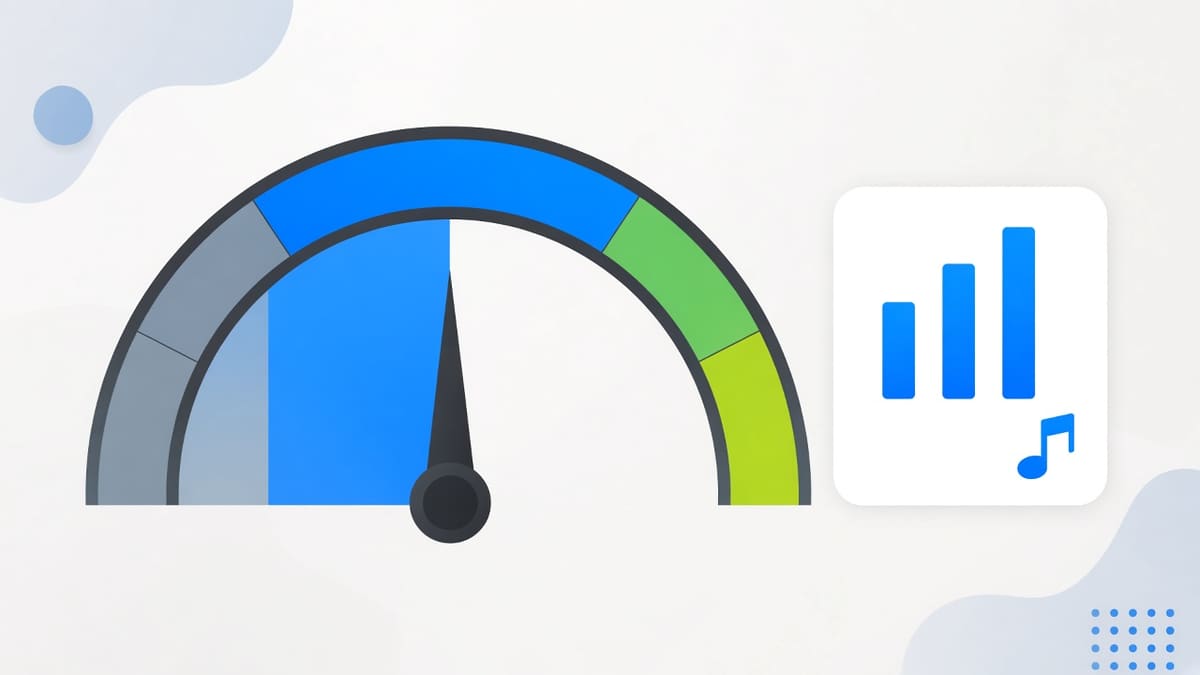
Each song gets a row with its BPM, the tempo term such as Andante or Allegro, the key, the length and a High, Medium or Low confidence label. If the tempo feels twice as slow or as fast as the music, press ÷2 or ×2 and the row updates.
Step 3
Check it by ear, then use the number
Open Check beat grid and press play: clicks that land on the beat confirm the tempo. Then copy the BPM, copy a table, or export a CSV, and type the number into your DAW, DJ software or practice notes. Beat 1 = now marks where the first beat falls.
Why use it
Why use this tempo finder
What you gain from analysing the sound itself, on your own device.
It measures the audio, not a catalog
Lookup sites only know songs that were already catalogued. This tempo finder measures the sound itself, so it handles bootlegs, stems, field recordings, a live room through the microphone and the audio of a video playing in another tab.
No upload, so no waiting and no leak
Because the tempo finder runs on your own device, a track never travels over the network. A demo you are not ready to share stays private, a large WAV does not sit in an upload queue, and the result appears as soon as the maths is finished.
One answer for musicians and producers
Producers think in BPM and teachers think in Allegro and Andante. The tempo finder gives both in one row, which saves a trip to a conversion chart and makes it easy to tell a student or a bandmate how fast to play.
Built to be checked, not just trusted
A tempo finder is only useful if the speed is right, so every result carries a confidence label and a playable beat grid. You do not have to believe the number. You can listen to the clicks against the song and fix the tempo in seconds.
Reference
Tempo terms and BPM ranges
The tempo finder shows one of these terms beside every BPM. The bands are the usual metronome ranges, and sources differ by a few BPM at the edges, so read them as a guide and not a rule.
Classical tempo terms with their usual range in beats per minute
Tempo term
BPM
What it feels like
Grave
under 40
Extremely slow and solemn, rare outside classical music.
Largo
40–60
Broad and slow, like a funeral march or a very slow ballad.
Larghetto
60–66
A little less slow than Largo, relaxed and stately.
Adagio
66–76
Slow and calm, typical of slow movements and slow soul.
Andante
76–108
A walking pace, and the home of a lot of hip-hop and R&B.
Moderato
108–120
A moderate pace, common in pop and easy-going rock.
Allegro
120–156
Quick and lively, the range of house, techno and most dance music.
Vivace
156–176
Fast and bright, where drum and bass at 174 and a lot of punk sit.
Presto
176–200
Very fast, as in quick bebop and fast hardcore.
Prestissimo
200 and above
Beyond Presto, mostly in extreme metal, gabber and virtuoso passages.
Limits and tips
Tempo finder tips and honest limits
Analyse a section with steady drums. Beatless intros, ambient pads and spoken-word tracks give the tempo finder little pulse to lock onto, so a Low confidence label there is an honest answer rather than a bug.
If a result is exactly half or double what you expected, press ÷2 or ×2 instead of starting again. Slow trap, dubstep and drum and bass are the usual cases, because the same groove can be counted two ways.
Music that speeds up or slows down, such as live recordings and classical pieces, has no single tempo. The tempo finder flags a drifting tempo when it sees one, so read the number as an average and not as a promise.
For microphone and tab capture keep the source loud and clean. Room noise and tinny laptop speakers lower the confidence. The first reading needs about six seconds of music, and a few more to settle into a Locked badge.
Tapping works best after you have listened for a few bars. Tap on the beat you would nod your head to, give it at least four taps, and wait more than two and a half seconds if you want the tempo finder to start a new count.
The tempo finder reports one tempo per song and does not detect the time signature. A waltz in 3/4 and a march in 4/4 can share the same BPM, so decide the meter by listening and counting.
Very long files are measured from a six-minute slice taken from the middle, which is plenty for a steady song. Files over 100 MB, or clips shorter than four seconds, are rejected with a plain message.
Use cases
Who uses a tempo finder, and how
Four real jobs, each as a small recipe.
A music student learning a piece
Finding out how fast a recording plays so you can practise with a metronome at the same speed, using a tempo finder instead of guessing by ear.
Input: An MP3 of the piece you are learning
Setting: Drop the file in, read the BPM and the term, then set your metronome to the number
Output: A BPM such as 92 with the term Andante, ready for the metronome
Caveat: Rubato and live performances drift, so treat the number as an average.
A producer setting a project tempo
Setting the project speed from a drum loop or a sample with a tempo finder before you chop it, so the grid lines up from the first bar.
Input: A drum loop WAV of four or eight bars
Setting: Upload, open Check beat grid and press Beat 1 = now on the first kick
Output: The loop tempo plus the point where beat one falls
Caveat: Very short loops can show Low confidence, so repeat the loop a few times first.
A DJ sorting a crate
Sorting a folder by tempo and key before the night with a tempo finder, instead of loading each file into the decks one by one.
Input: A folder of 30 MP3 files from your crate
Setting: Drop them all at once, then sort the exported CSV by BPM and Camelot code
Output: A sheet with BPM, key, Camelot code and confidence for every track
Caveat: The key is a beta estimate, so listen to risky transitions before the gig.
A runner matching music to stride
Matching a song to a running cadence with a tempo finder when you only have the music on a speaker, not as a file you can upload.
Input: A song you can hear but cannot upload
Setting: Tap tempo tab, tap along for four to ten beats, or use the Microphone tab
Output: A steady BPM to compare with your steps per minute
Caveat: Tap at least four times, and pause for more than two and a half seconds to restart.
FAQ
Tempo finder: frequently asked questions
Is a tempo finder the same as a BPM finder?
Yes. Tempo is the speed of the music and BPM, beats per minute, is the unit it is measured in, so this tempo finder gives you the same number a BPM finder would. It also names the classical tempo term for that speed, such as Andante or Allegro.
How do I find the tempo of a song?
Drop an audio file onto the tempo finder, or switch to Tap tempo and tap the pad along with the music. The tempo finder counts the repeating beat and shows the BPM within seconds. Then open Check beat grid and listen to the clicks to confirm the speed is right.
Is this tempo finder free to use online?
Yes. This tempo finder is free, runs online in your browser and needs no signup, no credits and no daily limit. The analysis happens on your own device, so there is no server cost to pass on and nothing to pay before you can read a tempo.
Do I need an app or a browser extension for a tempo finder?
No. This tempo finder is a normal web page, so there is nothing to install and no plugin or extension to add. Open it in a modern browser on a laptop, tablet or phone, drop a song or tap along, and the result appears straight away.
Which files work with the tempo finder for MP3 and WAV?
The tempo finder reads MP3, WAV, M4A, AAC, FLAC and OGG files, as far as your browser can decode them. You can queue up to 50 files at once, each up to 100 MB. A clip shorter than four seconds is too brief to hold a steady beat and is rejected.
How accurate is this tempo finder?
On steady songs with a clear pulse, such as house, hip-hop, pop and rock, the reading is normally within a fraction of a BPM. Live bands, rubato and beatless intros are harder, so every result shows a confidence label and a playable beat grid so you can check it by ear.
Why does the tempo look twice as fast or half as slow?
A beat can be counted on the kick or on the off-beat, so 87 and 174 describe the same drum and bass groove. If the number feels wrong against the music, press the ÷2 or ×2 button beside the tempo result and the figure changes at once, without running the analysis again.
What do tempo terms like Allegro and Andante mean?
They are Italian words for speed. Andante is a walking pace of roughly 76 to 108 BPM, Moderato sits near 108 to 120, Allegro is quick at about 120 to 156, and Presto is very fast. The tempo finder shows the term beside each BPM, and the table on this page lists every band.
Can I use the tempo finder with a microphone or the spacebar?
Yes. The Microphone tab listens to music playing near your device and shows a live tempo after about six seconds. On the Tap tempo tab you can tap the pad or press the space bar in time with the beat, and four or more taps give a steady reading.
Can the tempo finder get a tempo from a YouTube or Spotify link?
Not from a pasted link, because that would need a server to fetch the audio. Instead, play the video or song in another browser tab, choose the Tab audio mode, share that tab with sound switched on, and the tempo finder listens to it live in Chrome or Edge on a desktop.
Does the tempo finder work on a phone or iPhone?
Yes for file upload and tap tempo, which are laid out for phone screens, and the microphone works wherever your mobile browser allows it. Tab audio capture needs a desktop browser such as Chrome or Edge, because phones cannot share the sound of another tab.
Can I use the tempo to set the project tempo in my DAW?
Yes. Read the BPM with the tempo finder, check it with the beat grid, and type the number into the tempo box of Logic, Ableton Live, GarageBand or Reaper. Use Beat 1 = now to find where the first beat falls so your loop or sample lines up from the first bar.
Can this tempo finder detect tempo changes or the time signature?
It flags a tempo that drifts through a track and shows the range, but it reports one average BPM, not a tempo map. It does not detect the time signature or change the speed of audio. For a song that speeds up or slows down, read the number as an average.
Can the tempo finder also tell me the key of a song?
Yes. Next to the tempo, the tempo finder reports a musical key such as A minor and the matching Camelot code such as 8A, which DJs use for harmonic mixing. The key reading is marked beta and is less certain on drum-only loops and noisy recordings.
Can I download or export the results of the tempo finder?
Yes. Each row has a Copy button for one number, Copy all pastes a table into a spreadsheet, and Export CSV saves file name, BPM, half and double time, key, Camelot code, confidence and the first beat. Nothing is uploaded, so the file exists only on your device.
Ready to find a tempo?
Drop a song, tap the beat, or listen live. It takes a few seconds and nothing leaves your device.